Make the notch yours
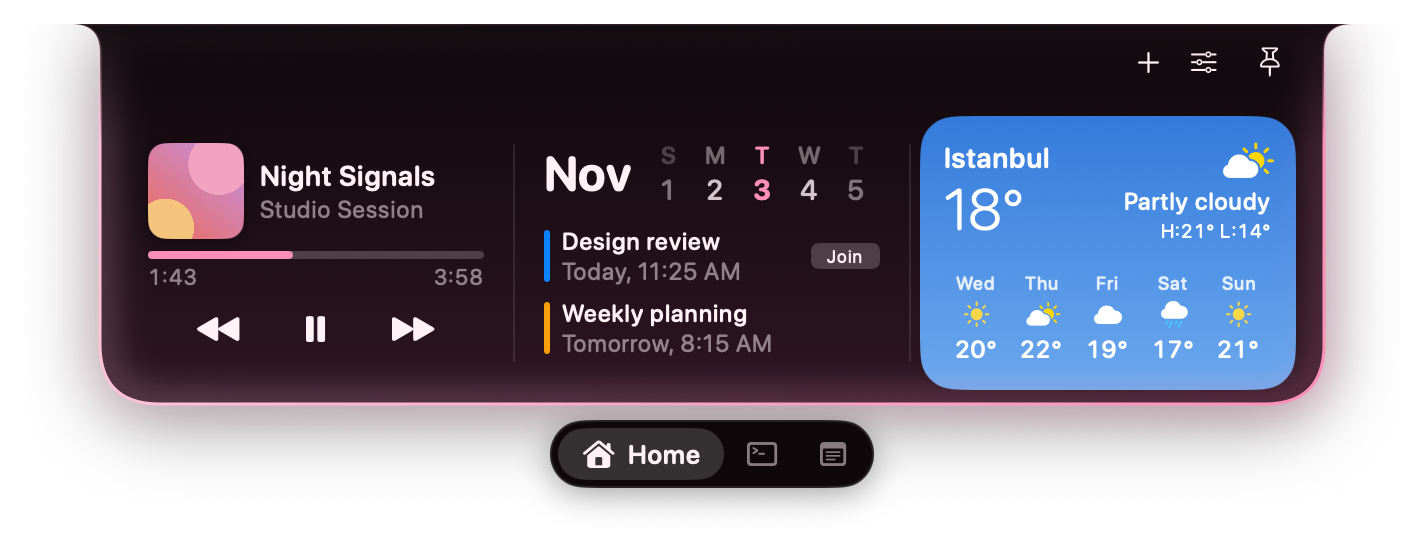
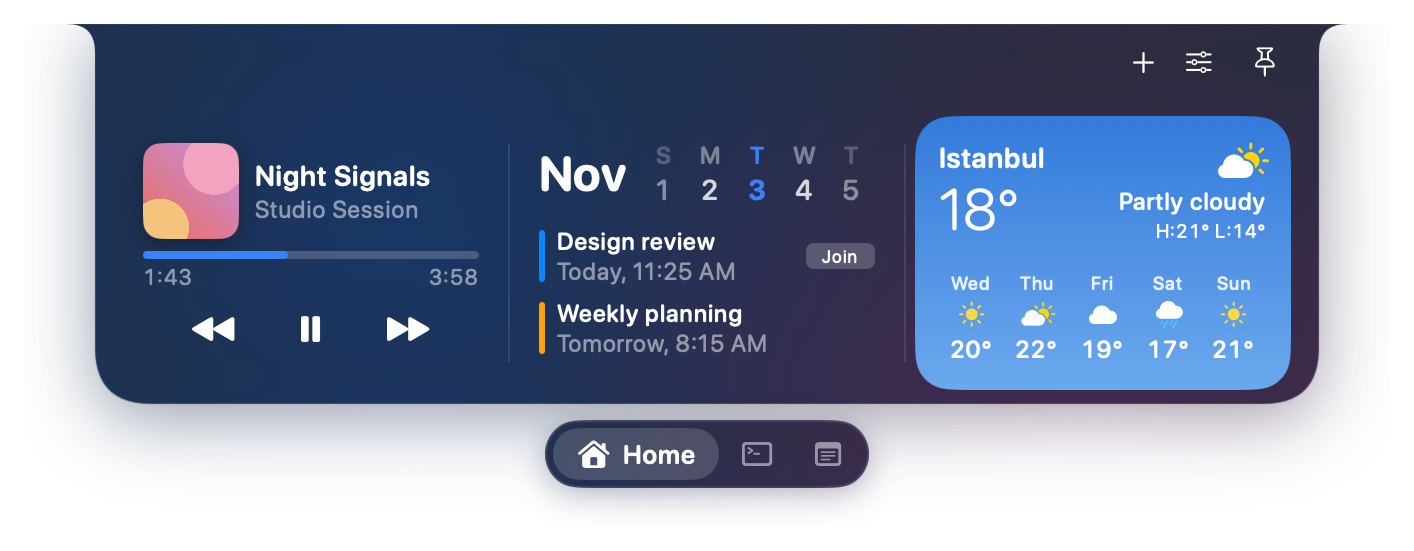
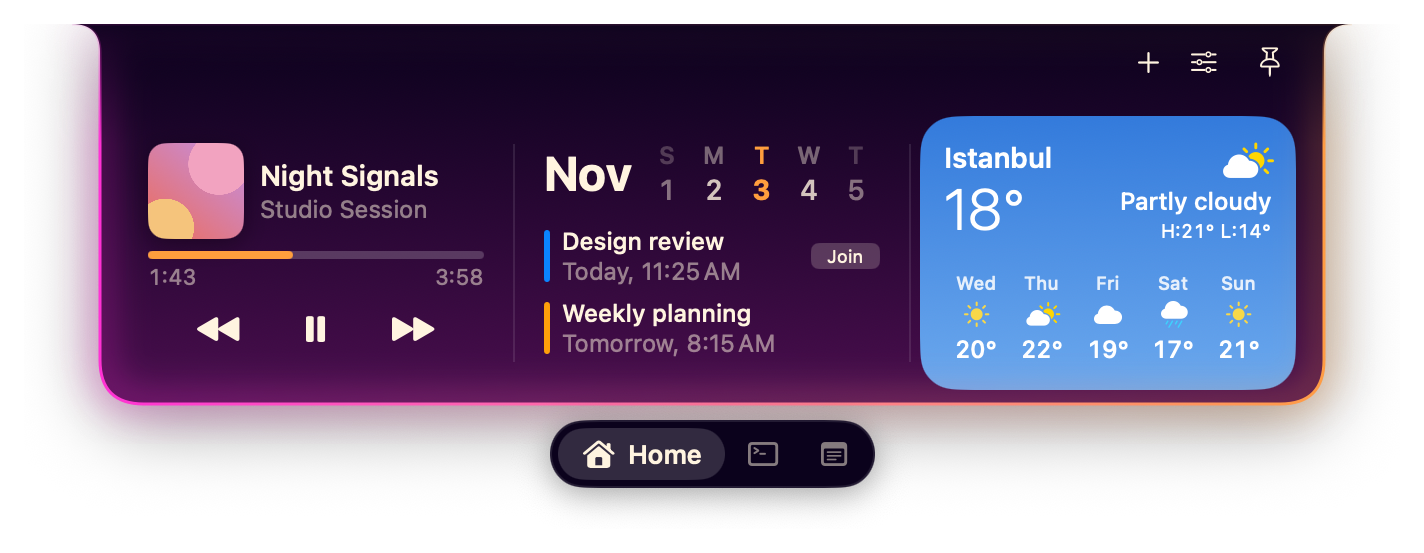
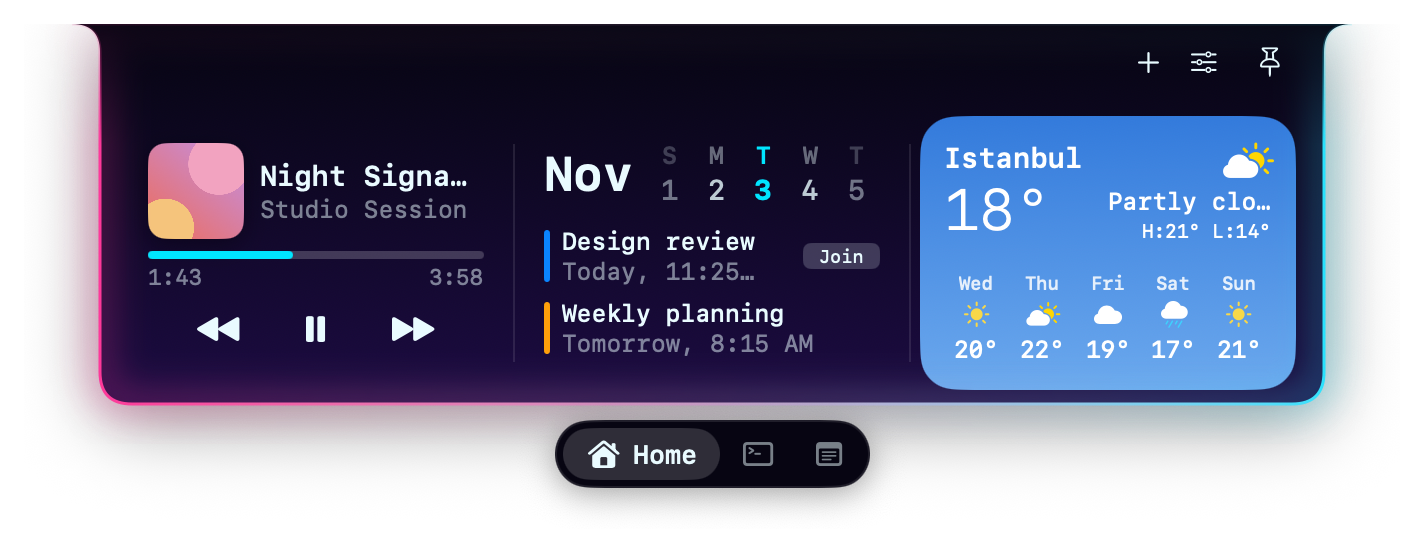
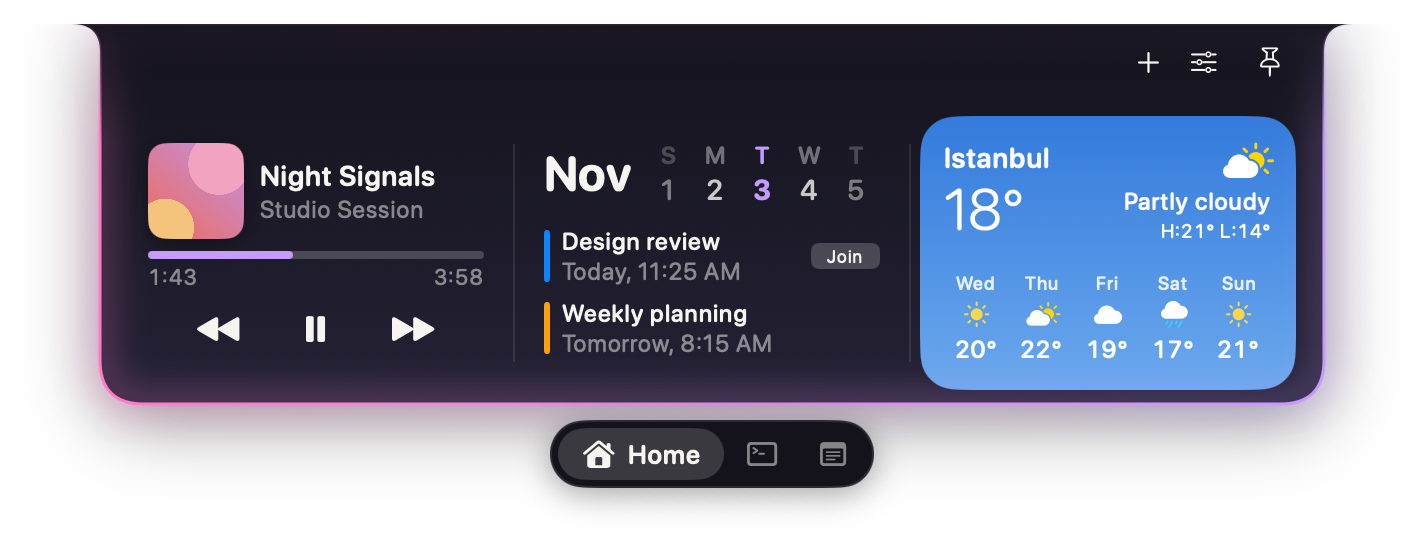
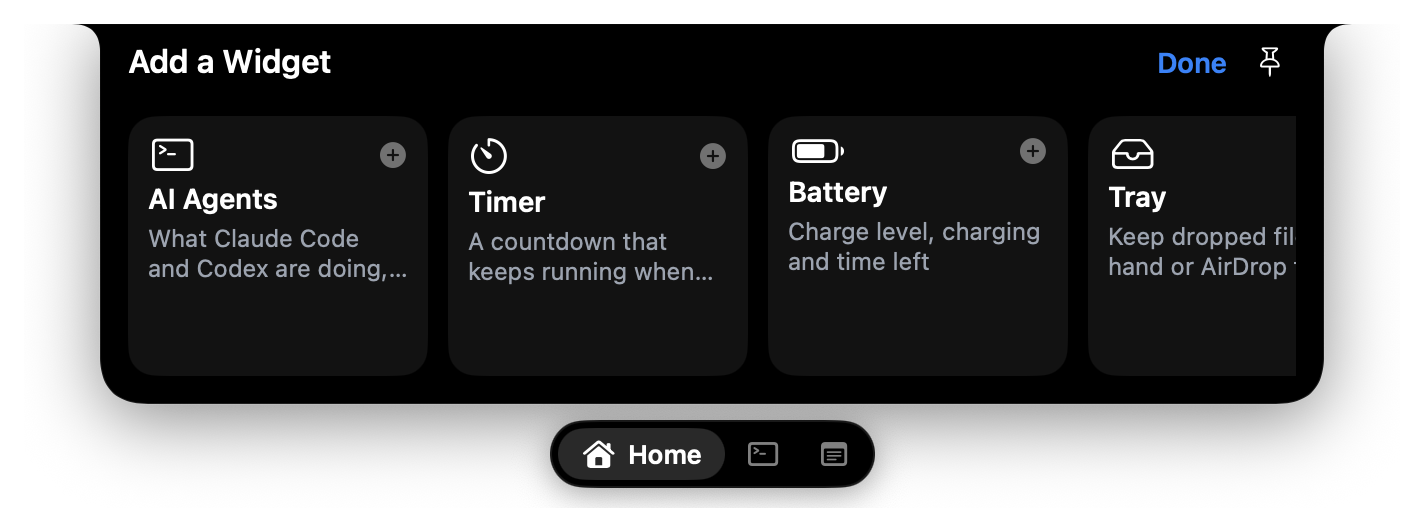
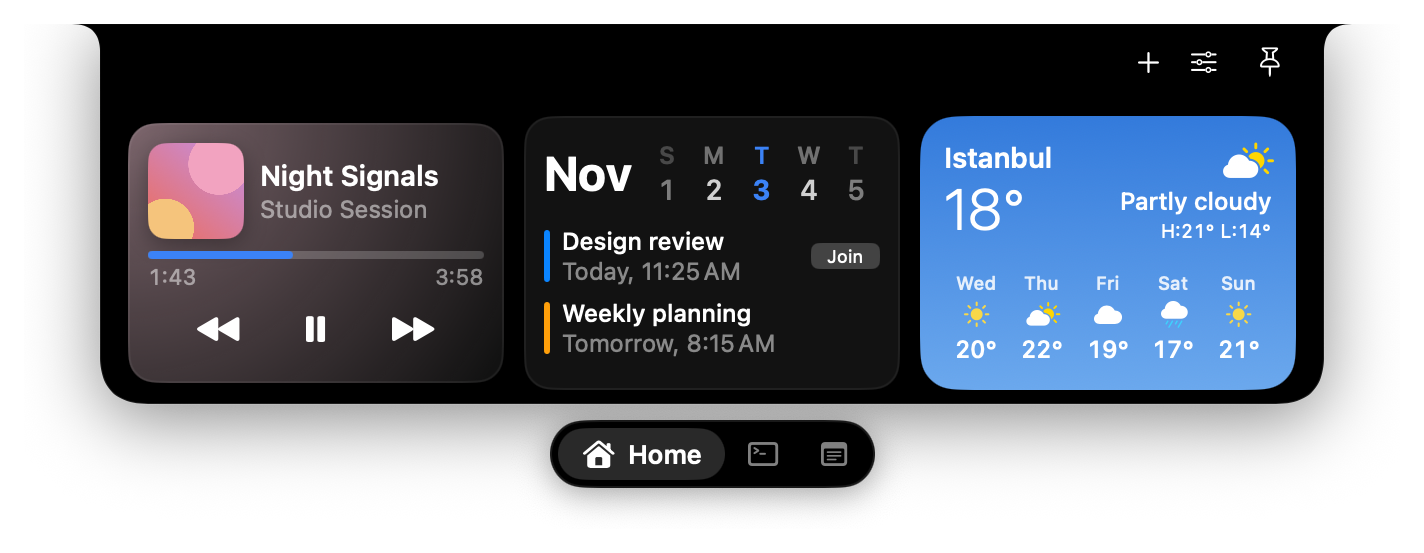
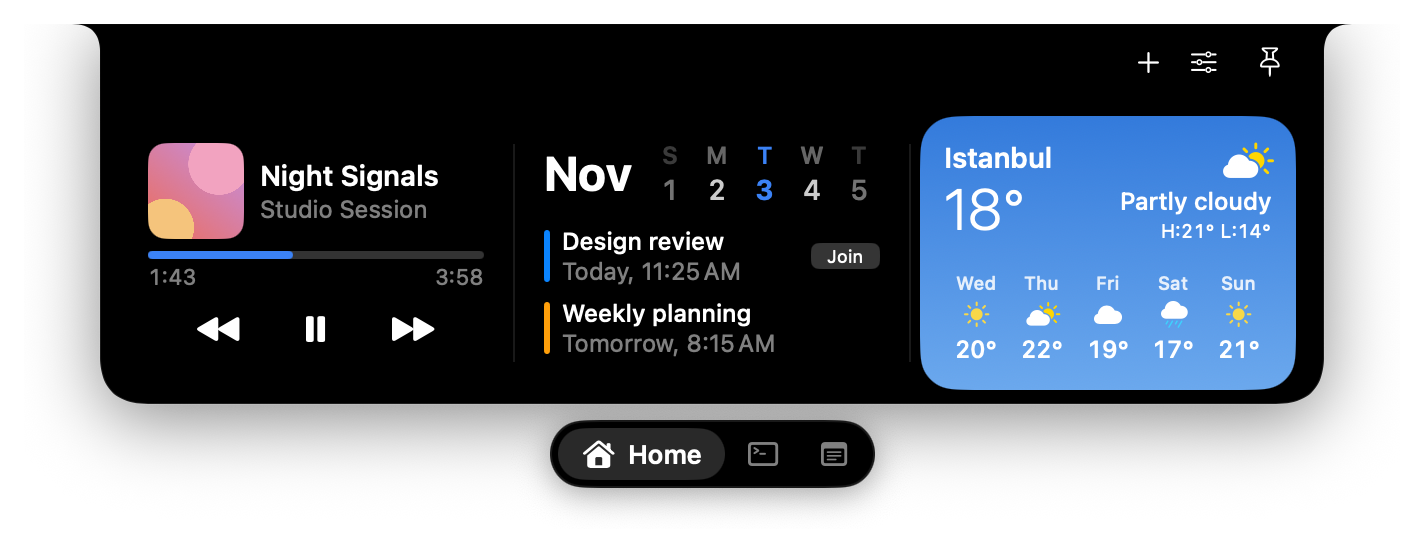
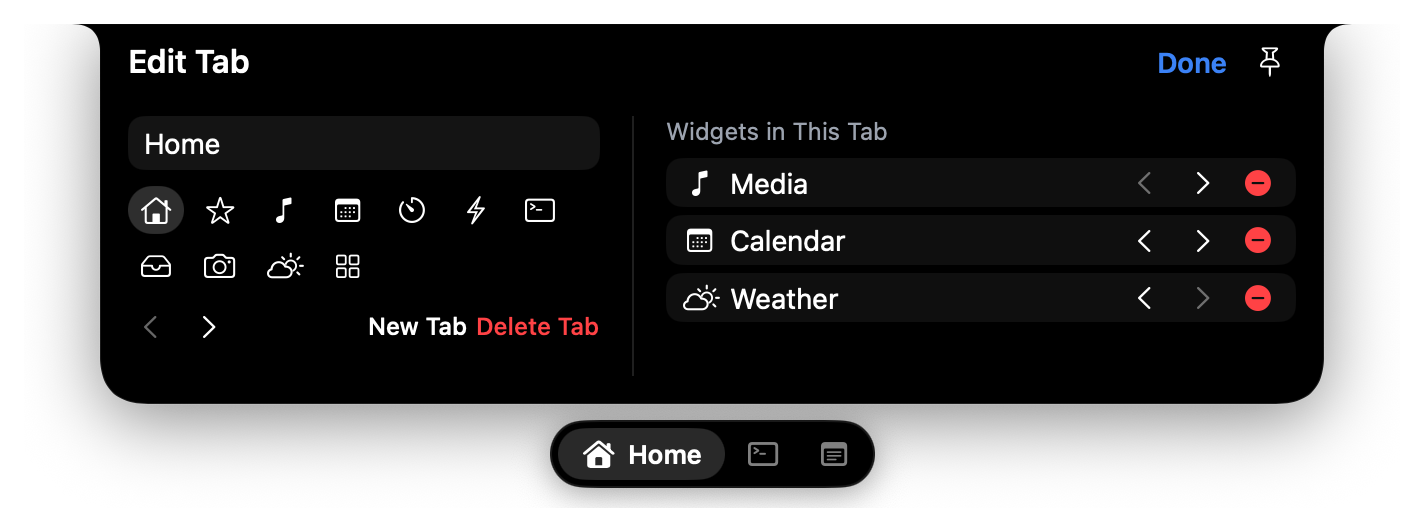
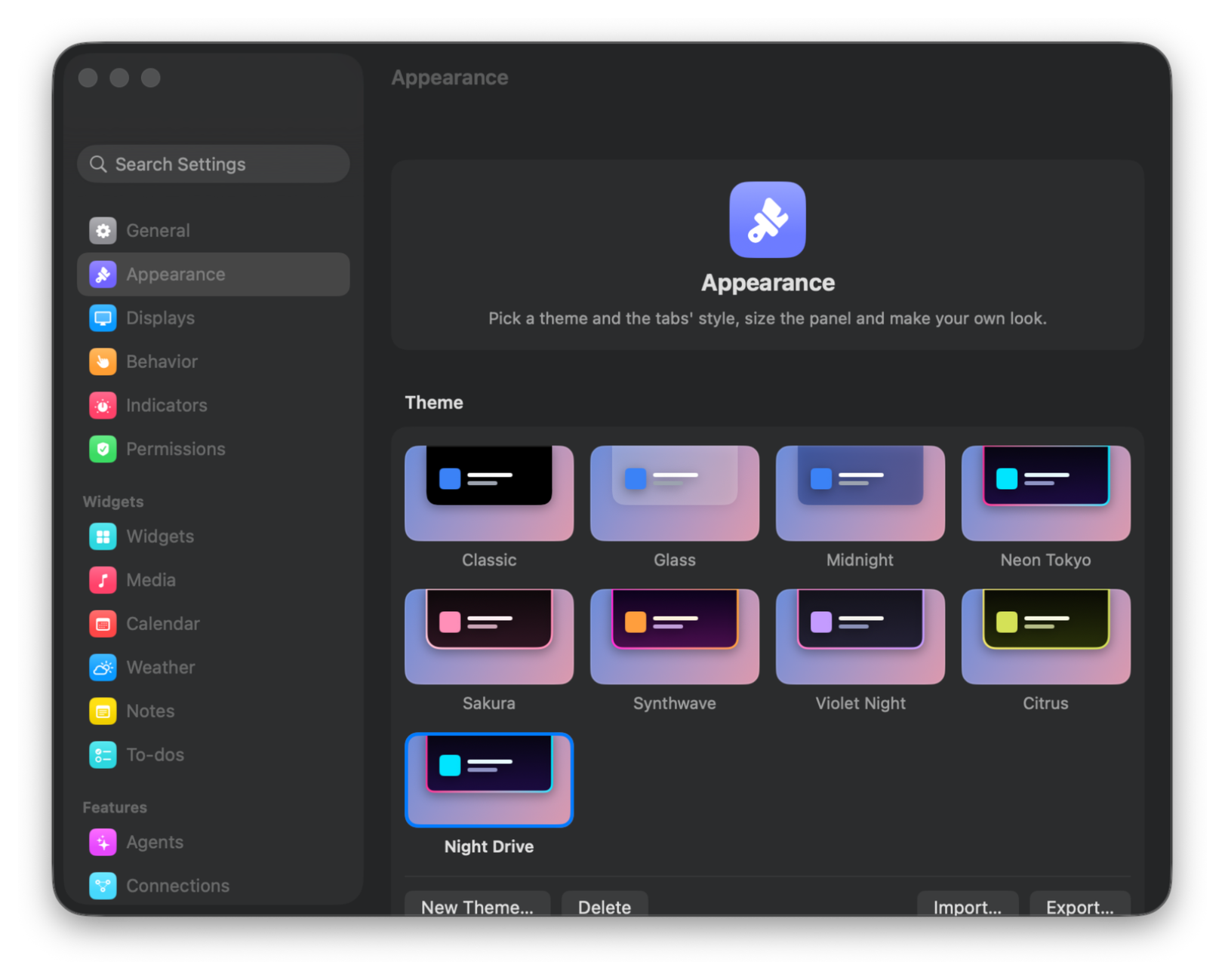
Every part is yours
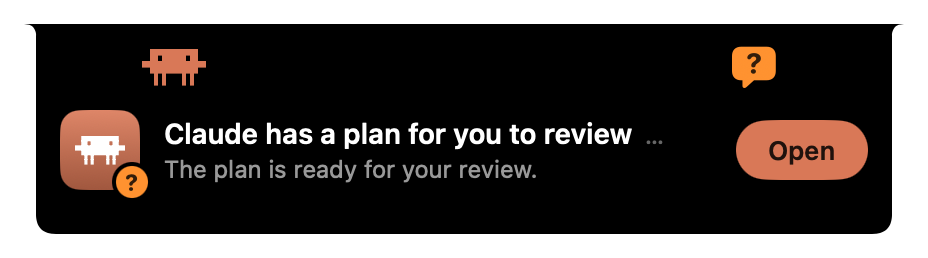
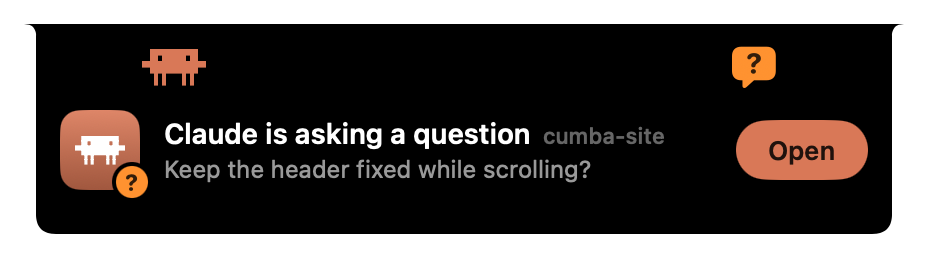
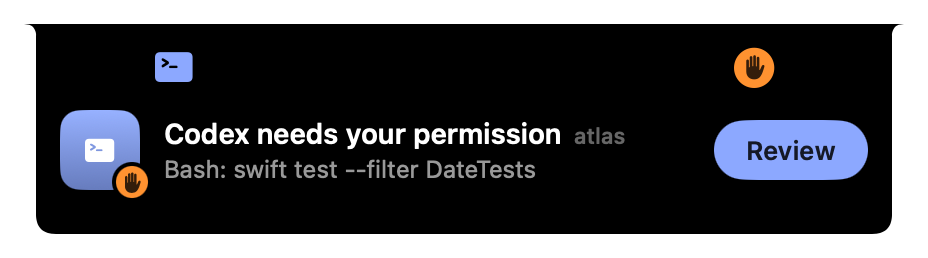
Answer your agents from the notch
?
? Claude is asking a question cumba-site
Beside the notch
- Free and open source
- Stays on your Mac
- Notch or no notch
Get cumba
Download cumba 1.3.0How to open it
- Open the disk image and drag cumba onto Applications.
- Open cumba. macOS says it can’t verify the app. Click Done.
- In System Settings > Privacy & Security, click Open Anyway next to the note about cumba, and confirm.
You do this once for each download.
Or, if you trust your copy, run this in Terminal:
xattr -dr com.apple.quarantine /Applications/Cumba.app